A Better Microphone for Remote Meetings: Fix the Setup Before Buying
Improve meeting speech with sensible positioning, room changes, and the right microphone format.
Research-led guidance based on published information and practical selection criteria. We have not performed hands-on testing of the products discussed.

An expensive microphone can still sound distant when it sits beside a noisy laptop on the far side of a reflective desk. For remote meetings, understandable speech is the goal. Start with microphone placement, the selected input, and the room before deciding that a larger piece of equipment will solve the problem.
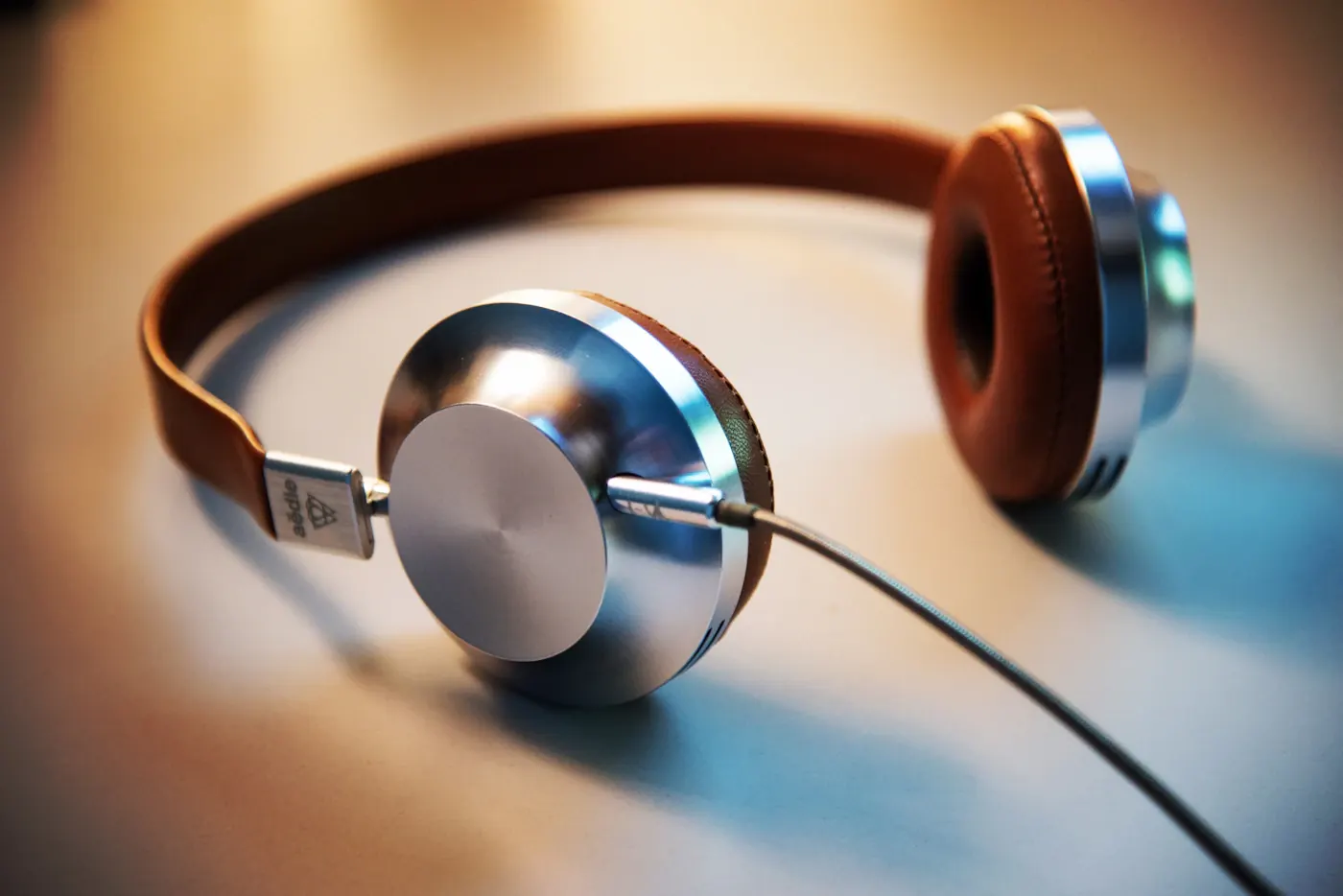
Our recommendation is a comfortable headset with a suitably positioned microphone for most busy homes and shared rooms. A USB desk microphone can make sense in a quieter workspace where you can keep it close and stable. An audio interface and studio microphone are usually unnecessary unless other recording work justifies the complexity.
Diagnose what colleagues hear
Make a short recording through the intended input or use the meeting application’s supported audio check. Speak normally, pause, and listen for fan noise, keyboard impacts, room echo, distortion, and changes in volume. Check the selected device explicitly; the computer may still be using its built-in microphone after another one is connected.
Ask a colleague to describe the problem without suggesting the answer. “Too quiet,” “echoing,” and “words cutting out” call for different fixes. Network dropouts can also resemble an audio problem, so do not assume a new microphone repairs unstable connectivity. Use a repeatable sentence and similar placement when comparing adjustments.
| Meeting environment | Sensible starting setup | Main compromise |
|---|---|---|
| Shared room with nearby conversation | Close-positioned headset microphone | Wearing a headset for long sessions |
| Quiet dedicated desk | USB microphone on a stable support | Placement and desk noise matter |
| Frequent movement during calls | Compatible wireless headset | Charging and wireless behavior |
| Meetings plus regular recording | Dedicated microphone setup | Extra configuration and accessories |
Distance often matters more than size
A microphone close to your mouth can capture speech more strongly relative to room sound. That does not mean placing it directly in the airflow of every breath. A headset boom positioned slightly beside the mouth can reduce disruptive breath sounds; follow the manufacturer’s placement instructions for the specific design.
A desktop microphone must also be aimed correctly. Some receive sound from the end, others from the side. Read the manual rather than speaking into whichever part looks most prominent. A directional pickup pattern does not create a soundproof boundary. Noise outside the preferred direction can still reach the microphone, especially through reflections.
Set the input level so normal speech is clear without clipping during louder words. Avoid compensating for poor distance by simply increasing gain, which can also raise background noise. Noise suppression may help in a meeting app, but aggressive processing can change speech. Test settings rather than stacking every enhancement available.
Make the room easier to work in
Move away from a running appliance or an unusually loud computer fan if practical. Soft furnishings can reduce some reflections compared with an almost empty hard-surfaced room, although they are not a guarantee of acoustic isolation. Closing a door and choosing a quiet time may do more than another equipment purchase.
Separate a desk microphone from keyboard impacts where possible. A stable arm or stand can improve placement, but check mounting compatibility, desk thickness, and cable routing before ordering one. Accessories marketed for recording can become clutter if they do not solve a specific noise or positioning issue.
Headphones also reduce the chance of meeting audio feeding back into the microphone. Speakerphones can be useful, especially for shared conversation, but need suitable positioning and supported echo handling. Do not run two nearby devices into the same meeting with microphones and speakers active unless the platform provides a suitable arrangement.
Check software and controls
Before buying, verify operating-system support, connector requirements, and how mute controls behave in your meeting platform. A physical mute switch may not update the application’s visual mute state, and the reverse can also be confusing. Learn which indicator actually establishes that the microphone is sending sound.
A USB microphone may simplify connection but still require permission settings or selection in each app. Bluetooth listening and microphone modes can behave differently during calls. Our earbuds and over-ear guide discusses why connection habits and call performance deserve their own checklist.
Who should skip a new microphone?
Skip the upgrade when recordings are already clear and colleagues have no difficulty understanding you. Also postpone it if poor internet, an incorrect input selection, or an echoing room is the established problem. A new microphone is useful when it solves a specific limitation after basic setup has been corrected.
Frequently asked questions
Is a studio microphone best for meetings?
Not necessarily. Close placement, convenience, and dependable controls are often more valuable than recording-oriented features in a normal work call.
Does a directional microphone block all background noise?
No. Pickup patterns change sensitivity by direction; reflections, distance, and noise level still affect what gets captured.
Should I buy an arm immediately?
Only if it improves useful positioning or reduces a known desk problem. Confirm mounting fit and microphone compatibility before adding another accessory.
Sources & further reading
Consult these official resources for technical details and compatibility. Product availability, specifications, and terms can change; verify the exact model before buying.
Spotted an error? Send a correction to Smartvora.